
Partition backup can help users backup all files and data in the partition,which can save users much time. It is very convenient to use MiniTool Partition Wizard's Copy Partition Wizard feature to backup partition. Check this post for detailed steps.
Copy Partition Wizard
Copy Partition Wizard feature copies all data from one partition to another without any data loss with ease. Compared with copying files directly, to copy partition helps users save much time. Therefore, when users plan to backup files saved in one partition, try copying the whole partition.
When MiniTool Partition Wizard is copying partition, data protection solutions such as power-off protection is activated automatically. Don’t worry about data security even if power outage emerges without redundant power supply.
MiniTool Partition Wizard FreeClick to Download100%Clean & Safe
How to Copy Partition
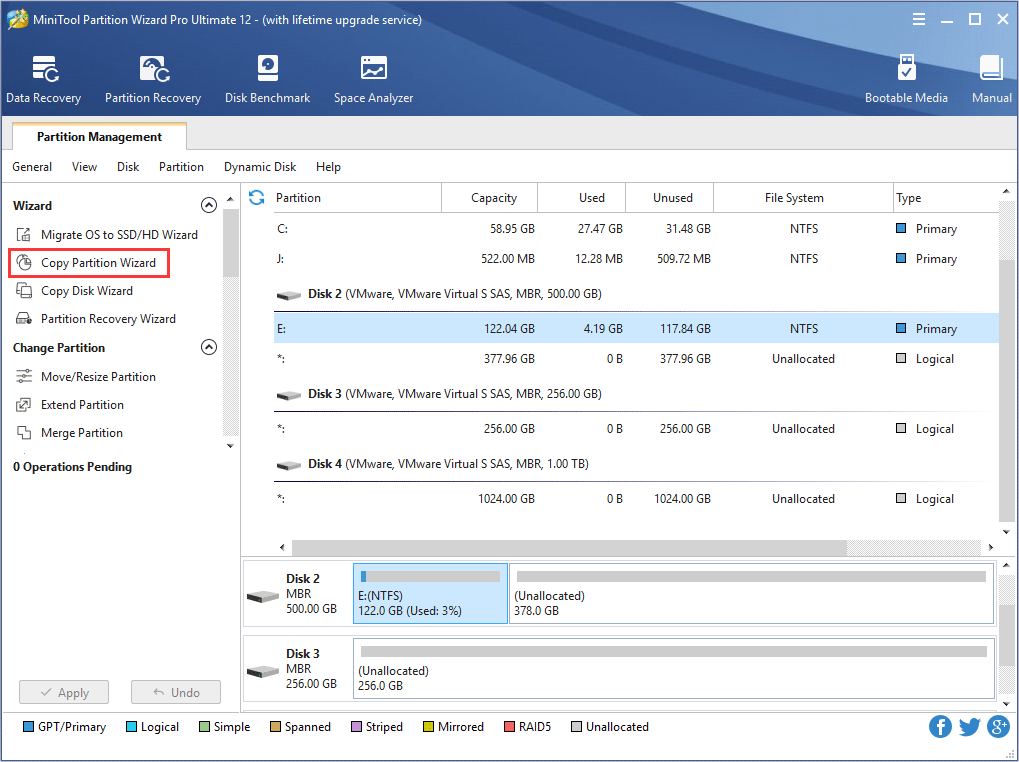
Step 1. Run MiniTool Partition Wizard to enter its main interface. Then, choose Copy Partition Wizard feature from the left action panel.
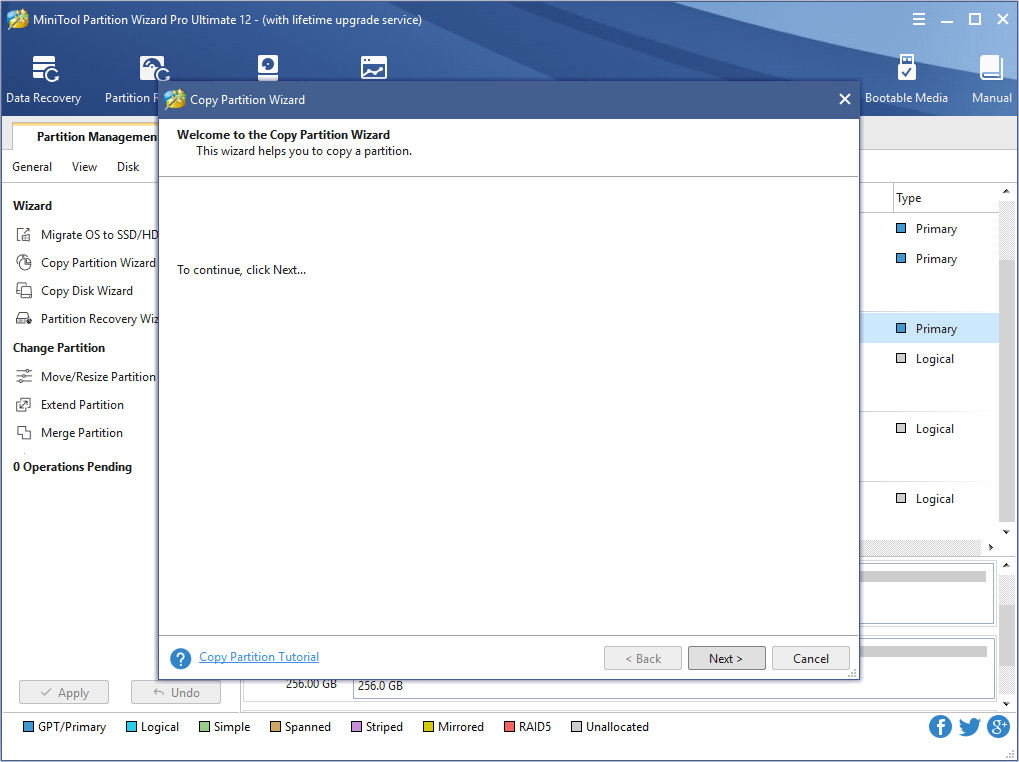
Step 2. Click Next button to continue.
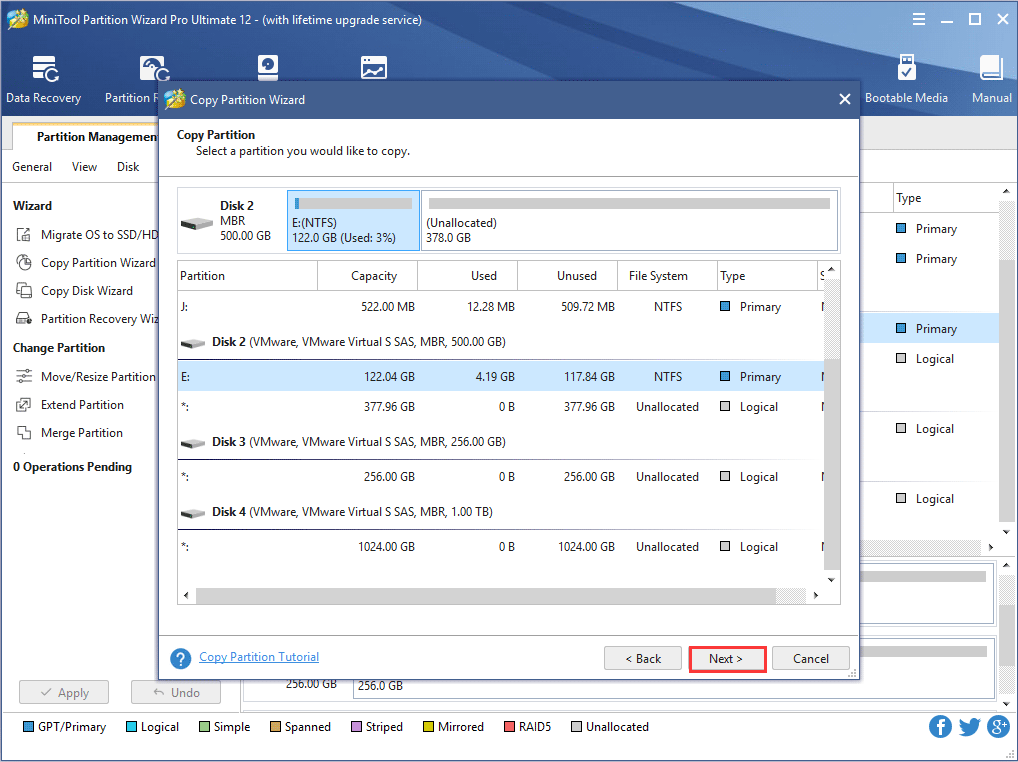
Step 3. Select the partition to copy.
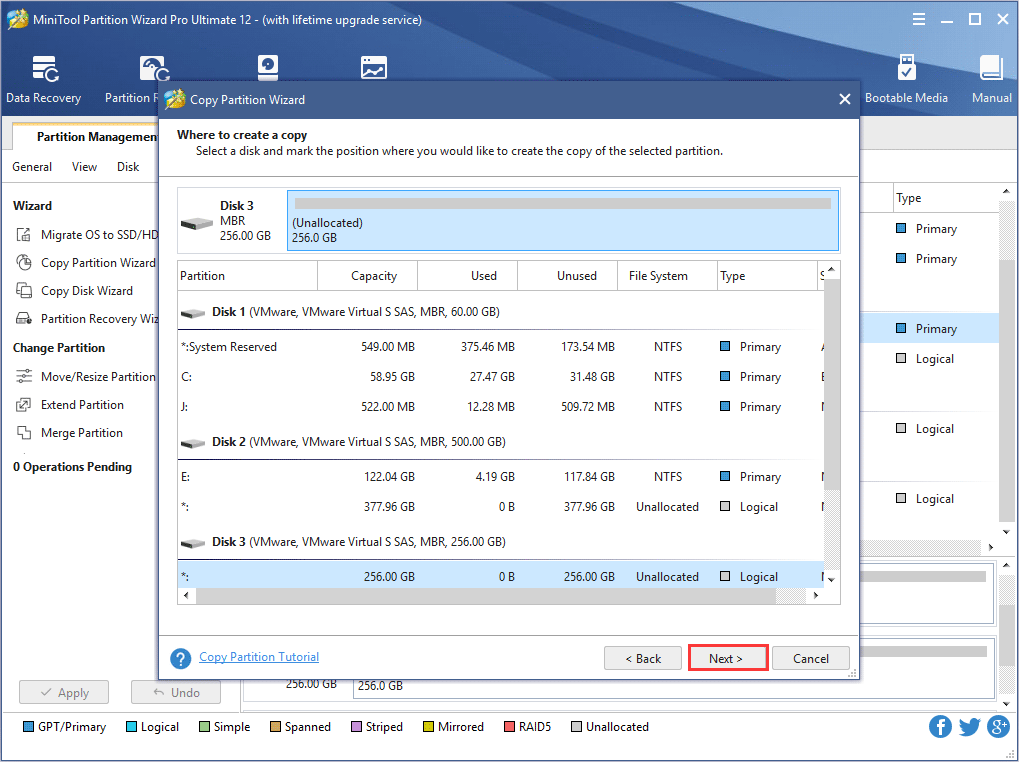
Step 4. Choose an unallocated space from partition list to save the copy of the selected partition and then click Next.
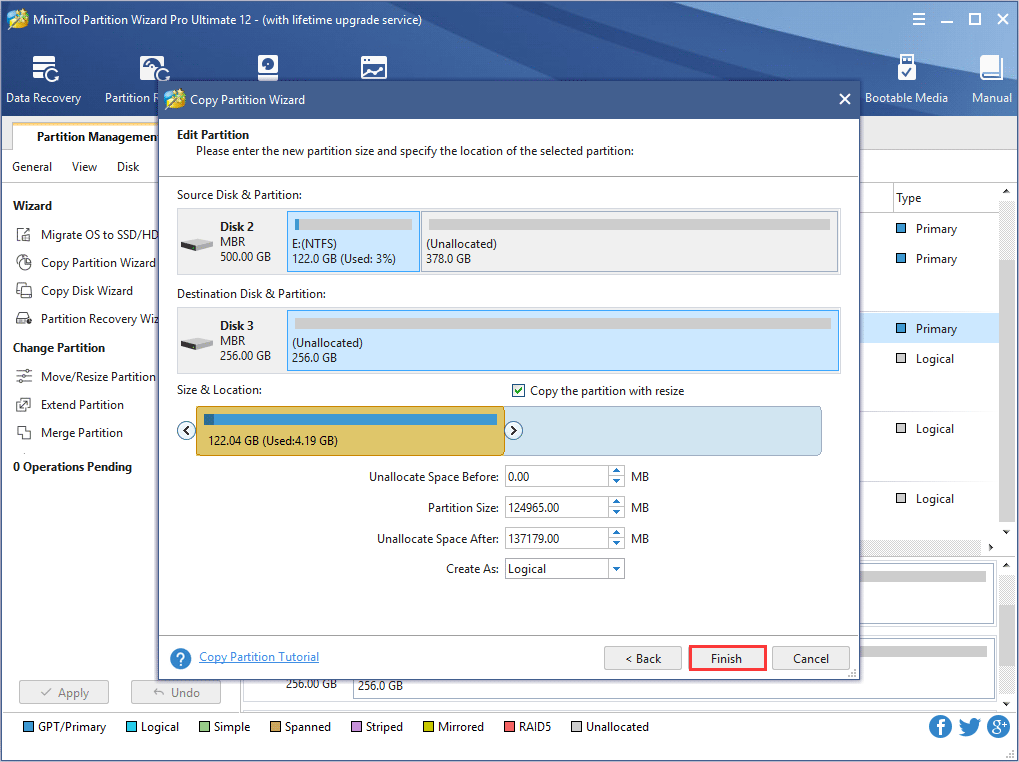
Step 5. Move the handle to enlarge or shrink the new partition. Alternatively, users can type exact partition size in MB. In addition, they can choose partition type (primary or logical) for the new partition. Then, click Finish.
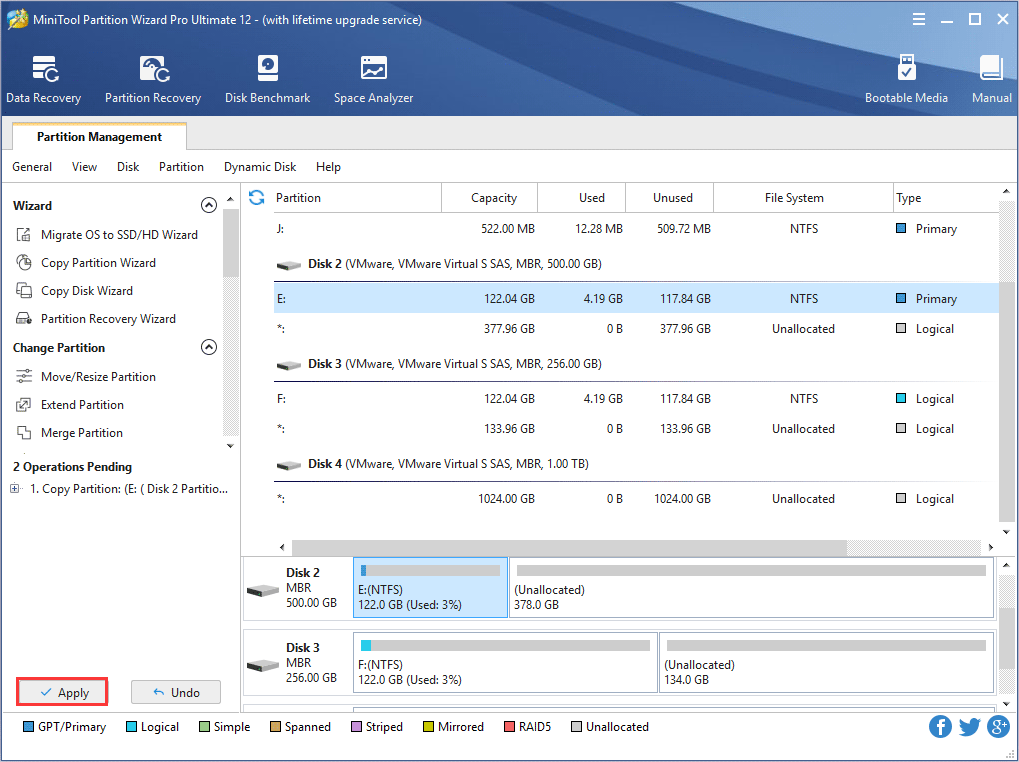
Step 6. Click Apply button to make changes performed.
User Comments :